Bingo
A downloadable game
Bingo is a small Playdate game about a lottery machine. You are the one turning the drum.
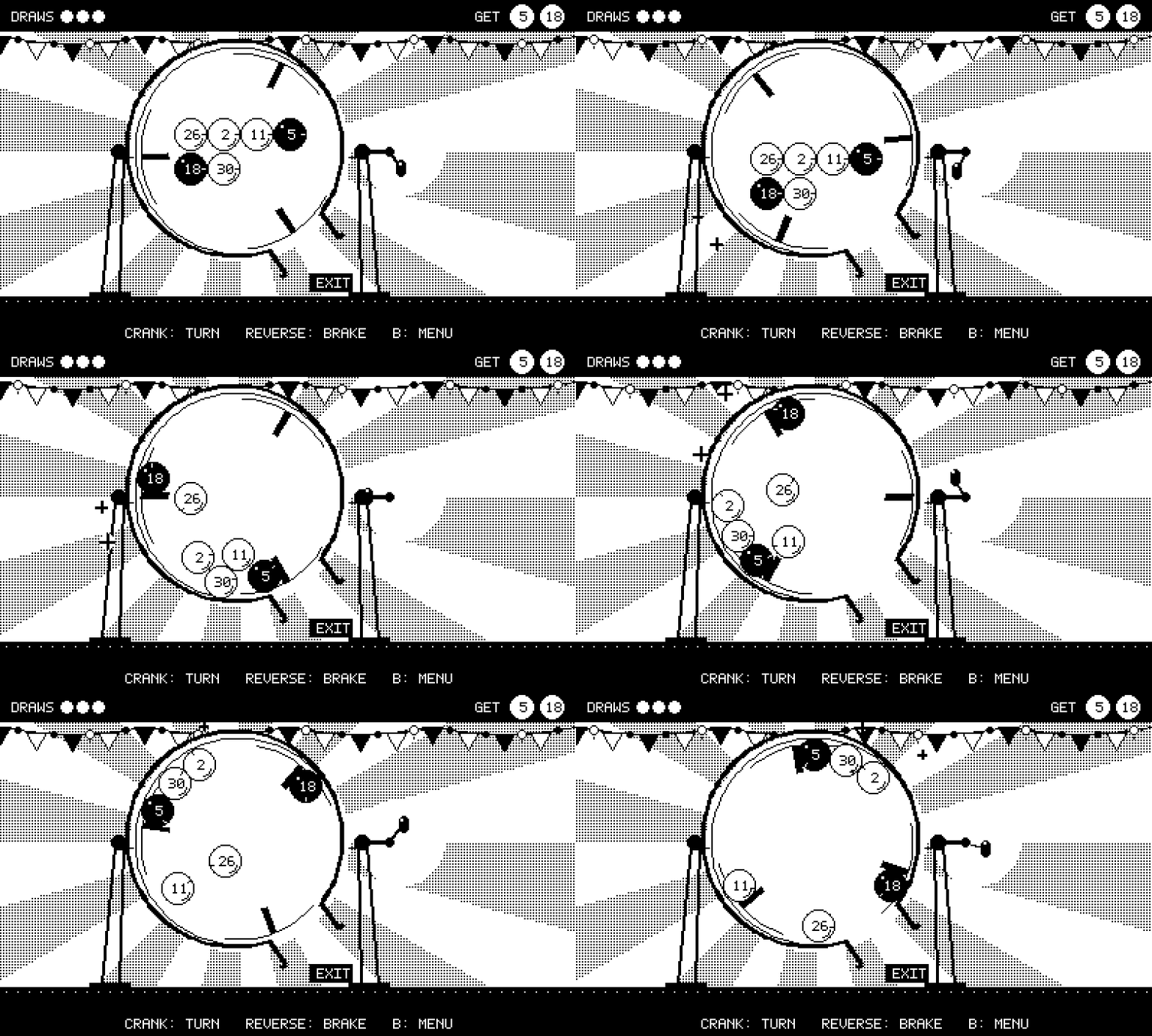
Every level shows you the winning numbers. Turn the crank to spin the drum, watch the balls tumble, and try to make the right ball drop out of the exit before you run out of draws. A wrong ball only costs you a draw, so you can keep trying.
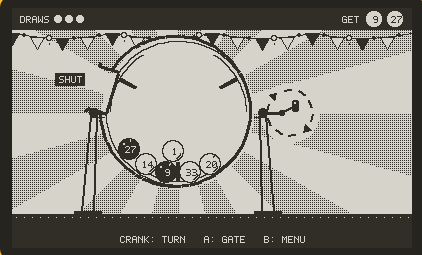
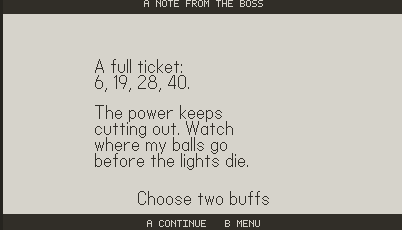
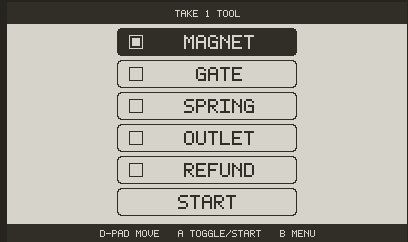
Each level adds one new idea: a magnet you steer around the drum, a gate you open with A, levels that ask for two, three and then four numbers. The last level is the real draw. Before it starts you decide whether to buy a ticket of your own, and then whose numbers you draw. There are two endings.
1-bit pixel art, a gentle music-box soundtrack, and a drum that knocks and ticks as you turn it.
Controls
- Crank: turn the drum (turn backwards to brake)
- D-pad: choose a level; move the magnet around the drum when you have it
- A: start a level / open the gate when you have it
- B: back to the menu
How to install on a Playdate
Download Bingo-1.0.zip below. You need a Playdate registered to your play.date account.
Option 1 — Wireless sideload (easiest)
- On a computer, sign in at https://play.date and go to Account → Sideload (https://play.date/account/sideload/).
- Upload Bingo-1.0.zip as it is (no need to unzip).
- On your Playdate, open Settings → Games, and wait for Bingo to download (or tap Refresh).
- Bingo appears in your game list (in the Sideloaded group). Launch it from there.
Option 2 — USB cable
- Unzip Bingo-1.0.zip. You get a folder called Bingo.pdx.
- Connect the Playdate to the computer with a USB-C cable.
- On the Playdate, go to Settings → System → Reboot to Data Disk. A drive named PLAYDATE appears on the computer.
- Copy the whole Bingo.pdx folder into the Games folder on that drive.
- Eject the drive. The Playdate restarts and Bingo is in your game list.
Playdate Simulator: unzip and open Bingo.pdx with the Simulator from the Playdate SDK.
Credits
- Game design, direction and playtesting: Allison (GitHub: AllisonK67), made for GAM530, Duke University GDDI.
- AI disclosure: this game was built with the help of Claude, an AI model by Anthropic. Under Allison's direction, Claude wrote most of the Lua code, generated the pixel art with Python scripts, and synthesized the music and sound effects with Python scripts. All design decisions, level choices and playtesting were Allison's.
- No third-party art, music, sound or fonts. The pixel font, images and audio were all made for this project.
- Tools: Playdate SDK by Panic; the Playdate VS Code project template, which includes playdate-luacats by notpeter (MIT license, used only as an editor helper, not shipped in the game).
Playdate is a registered trademark of Panic Inc. This is an unofficial fan-made game.
Download
Install instructions
This is a Playdate game. You need a Playdate registered to your play.date account.
Wireless sideload: sign in at https://play.date/account/sideload/, upload Bingo-1.0.zip as it is, then on your Playdate open Settings > Games and wait for Bingo to download. It appears in the Sideloaded group.
USB: unzip to get the Bingo.pdx folder. Connect the Playdate by USB, choose Settings > System > Reboot to Data Disk, copy Bingo.pdx into the Games folder on the PLAYDATE drive, then eject.
Leave a comment
Log in with itch.io to leave a comment.